

and the recesses of the tower are filled with fluff, causing it to malfunction.

Whether it's a stationary Pc, either for laptops, the first step is to unplug it or remove its battery respectively.

The most sensitive part of your computer is the screen. You should be extra careful with cleaning it. Prefer a special product for cleaning it. Great attention, but you have to give the quality of these products, so that they do not contain alcohol or ammonia. There are special microfiber cloths on the market that work wonders!! An indicative product is this.

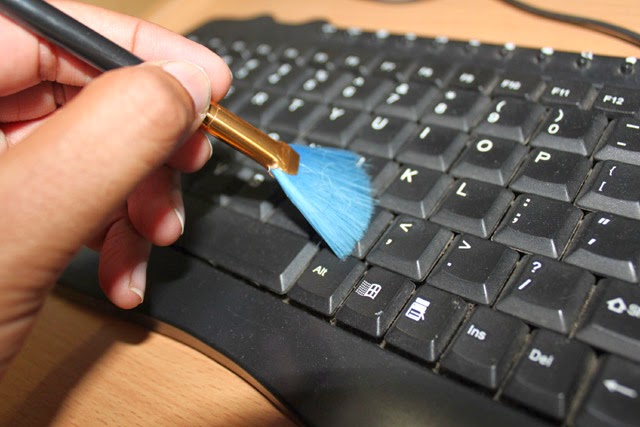
Initially, you turn the keyboard upside down and shake it to remove dust and debris. You take a spray of compressed air and go through each row of keys to get rid of anything trapped. If you don't want to spend, you can also use your hair dryer in the cold, of course! An also practical solution is to use a portable vacuum cleaner. There are various models on the market that connect to a USB port and are ideal for cleaning the keyboard.
After you wipe it off, you pass it with a slightly wet cloth, while you have it turned upside down so that no liquid gets inside it. It's ready. If para’ all this notice that your keys are not completely cleaned, you can take wet cotton swabs and go over them one by one being careful not to press too hard and erase the letters or use a wet wipe.
To clean your mouse you will need a toothpick, a cloth and a mild antiseptic. After disconnecting it, you turn it upside down and start scraping the dirt spots with the toothpick. Afterward, go over the entire surface with the cloth and rub gently in as many places as needed. At the end, you pass it with the antiseptic and let it dry.

For the inner part, first you will use a broom to remove the trapped dust. Afterward, clean all the recesses and junctions of the keyboard with the screen with a cotton swab. Once done flip over, you pass it with a soft cloth slightly wet. To avoid stains, at the end you can wipe it with a dry cloth.